



Available01
Reception
Answers every call and message, handles the common questions and routes the rest.
“Hello, are you open on Friday afternoon, and where do I park?”

A Chief of Staff for your business
Your Chief of Staff talks to customers by phone, WhatsApp and email, builds a team of Agents organized like a real company, and drives it toward your goals. New Agents prepare the work and you approve it with one tap.
Leave your number and our Agent calls you in a minute or two, in your language.
Why a Chief of Staff
Customers call, message and email at every hour. They want a booking, a price, an order, an answer to a complaint. Then each one needs an invoice, a delivery or a follow-up. Most owners know which of these slip through. If any of the following sound familiar, a Chief of Staff is worth an afternoon of your time.
After hours, at weekends, during a busy counter, or while the one person who knows the answer is on another line.
Sales confirms an order, then someone has to remember the invoice, the delivery and the call to check it arrived.
You want twenty new bookings a week. Without a plan and a daily count, nobody knows on Wednesday whether the week is on track.

A Thursday evening, illustrated
Illustrative example. Not real data.
Roles in your team
Each role starts from instructions, a greeting and the tools that job needs. Your Chief of Staff creates an Agent into a role when real work calls for it, names it and tells you. You adjust the details to your business. The structure is already there.
Answers every call and message, handles the common questions and routes the rest.
“Hello, are you open on Friday afternoon, and where do I park?”

Books, moves and confirms appointments.
“I need to move my cleaning from Tuesday to later in the week.”

Asks the right questions and passes warm leads to Sales.
“I saw the new apartments. What sizes do you have and when is handover?”

Resolves documented issues and opens a case for the rest.
“The warning light came on again after my last service.”

Follows up on quotes and enquiries and books the next conversation.
“Yes, I asked for a quote on the dining set last week.”

Looks up orders and gives accurate delivery updates.
“Where is my order? I was told it would arrive today.”

Courteous payment reminders with clear options and no pressure.
“I did not know the invoice was overdue. How can I pay?”

Confirms delivery windows, addresses and handovers.
“Can the driver come after four? The building gate closes at six.”
The call desk
This is what happens inside a single call. Your Chief of Staff listens, works from your knowledge and rules, takes the actions it is allowed to take, and leaves a record anyone can read in under a minute.
Ringing
Conversation
What the Agent checked
Call record
Illustrative call showing how a call is handled. Not live data.
Beyond answering
Answering is only the start. AgentWaves turns every call, chat and email into work that gets done: a case that moves through your departments, a goal that is counted, and a report that tells you what really happened.
 01
01Brief your Chief of Staff the way you would brief a colleague: call Daniel, confirm Saturday at ten, and ask whether he wants the whitening too. It prepares the call, you approve it with one tap, and it writes back what happened. Need a letter or a quotation instead? Ask in the same Command Center.
 02
02Your Chief of Staff answers WhatsApp in your voice and from your knowledge. It can also write first: give it a WhatsApp order, or run a whole campaign by message instead of by call.
 03
03An order on a call, a new lead or a complaint opens a case. The case runs a playbook, a relay through your departments: Sales confirms, Finance invoices, Operations delivers, Support follows up.
 04
04Call or message your Chief of Staff on WhatsApp from your own phone. Ask how today went, approve what is waiting, or give it an order. It knows your number and asks for your PIN before it shares business details.
 05
05Connect AgentWaves to the AI app you already use. Ask for today's calls, look up a customer, or order a call in plain words, and watch it happen on a live card.
 06
06Each Agent notes every task, department heads summarize, and your Chief of Staff sends a daily report and weekly goal progress. Every number is counted from work that happened, never estimated.
A team of Agents
AgentWaves gives you a Chief of Staff that builds and runs your team. Accept the departments and roles proposed for your industry, and your Chief of Staff creates Agents into those roles when real work needs them, names them and gives them their tools and skills. Every new Agent starts at Approve: it prepares the call, message or invoice, and you approve it with one tap.
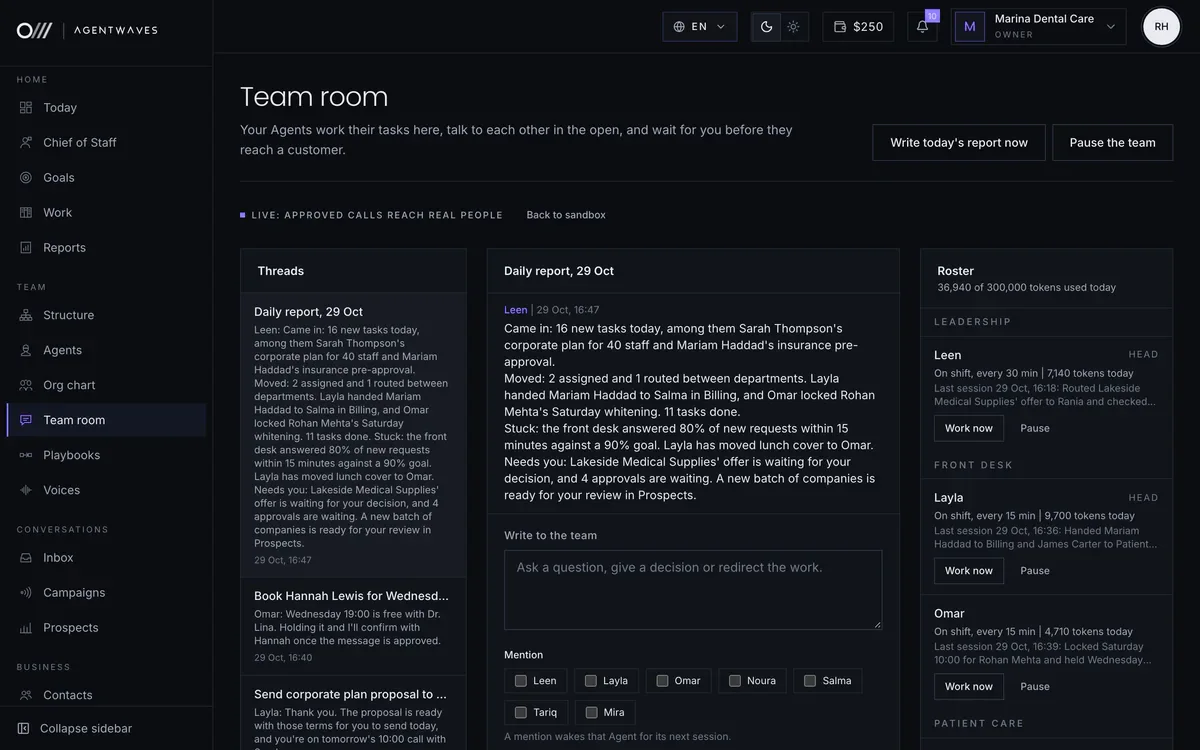
Products and prices
Your products and prices live in AgentWaves. Setup reads them from your website, your accredited suppliers' price emails keep the costs current, and your Agents quote the right price on calls and WhatsApp, stating tax the same way every time.
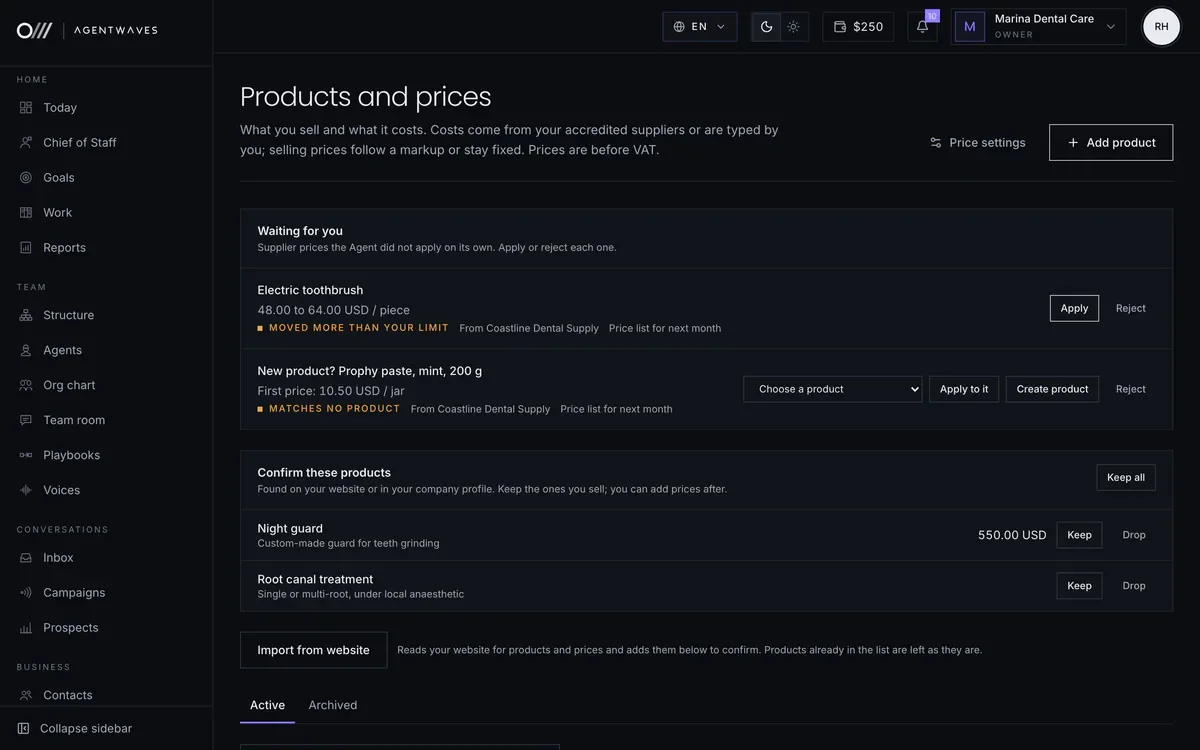
Documents
Ask your Chief of Staff for a letter, proposal, quotation or contract on the Chief of Staff page, the way you would ask a colleague. It asks about anything missing, drafts it on your letterhead with prices from your price list, and brings the draft back to the chat. You approve it, and only then are your signature and stamp added and the PDF sent by email or WhatsApp. Every signed copy is kept in the Archive, exactly as it was sent.
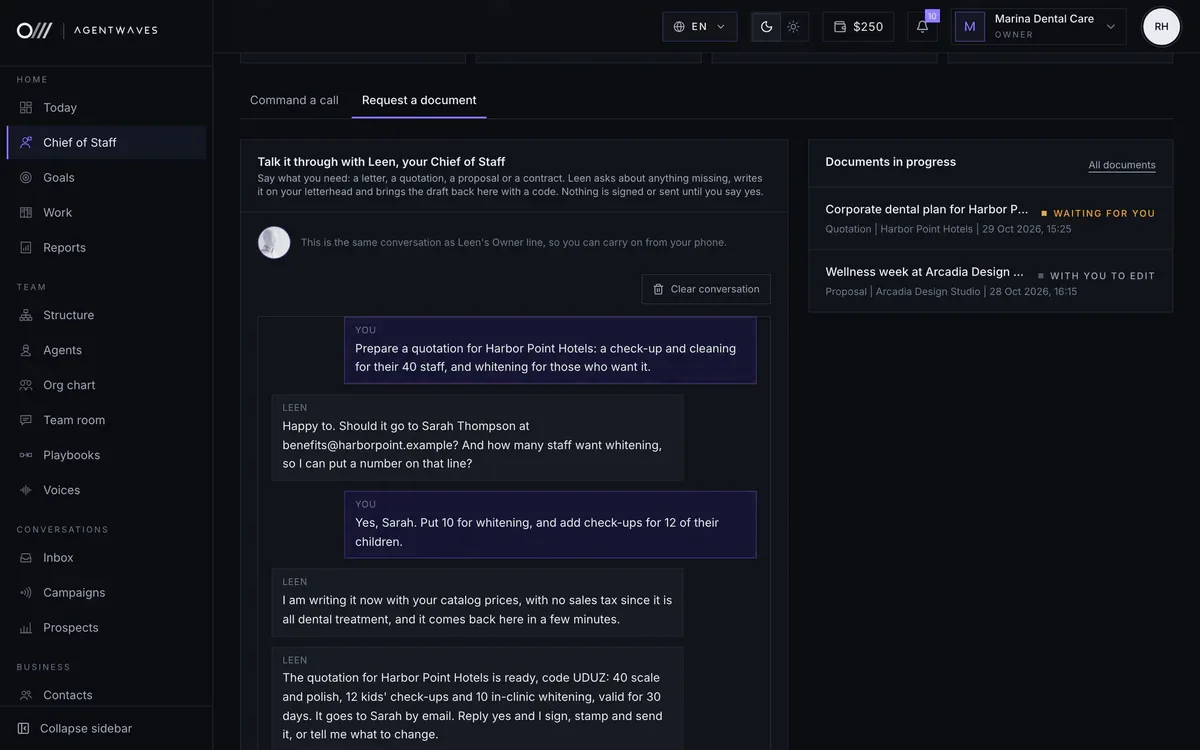
Inside AgentWaves
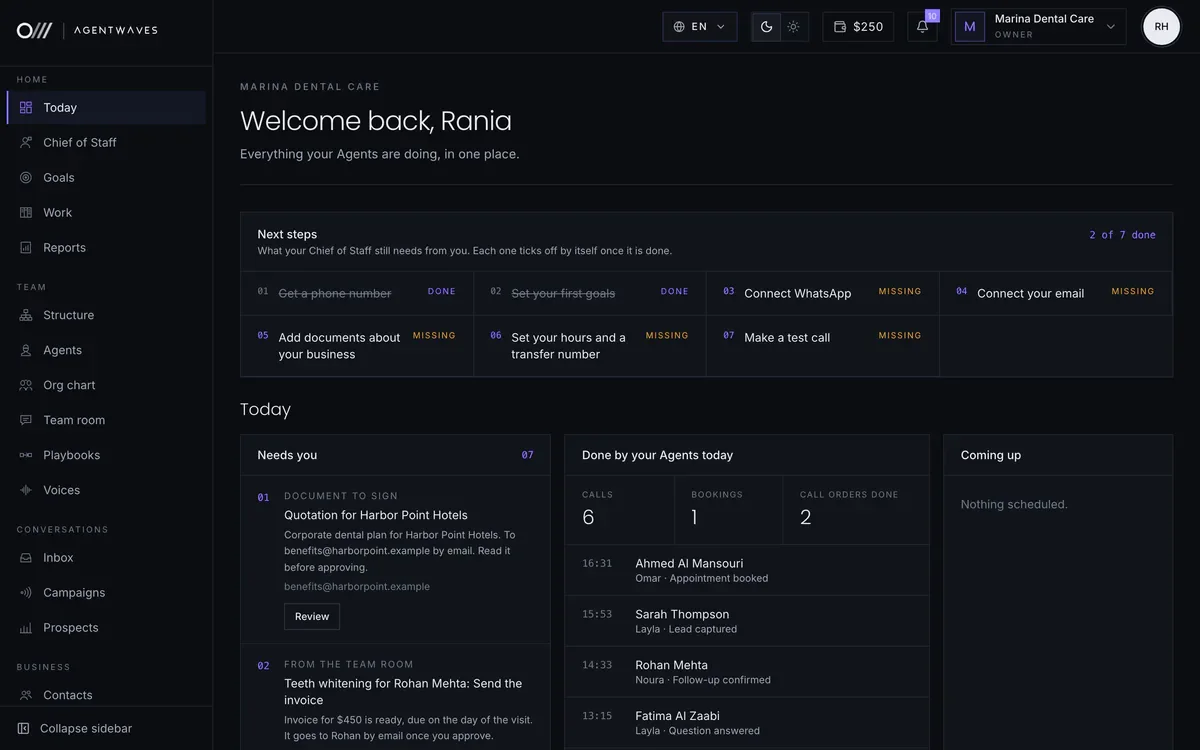
Real screens from the product, filled with a sample dental clinic. Your Chief of Staff, your Agents, calls, WhatsApp, cases and goals in one place, updating live, light or dark.
What your Agents work with




0104
What your Agents work with
Give it your website address and it reads your public pages. Upload price lists, menus and policies as PDF, Word or text. Every Agent answers from these and says so plainly when something is not covered.
Two sides of the same business

Your side

Your customer's side
How it works
Six short steps, saved as you go: Company, Profile, Plan, Chief of Staff, Number and your own phone. Only your Chief of Staff is created at first. The number is optional, so you can start on WhatsApp and email and add one later.
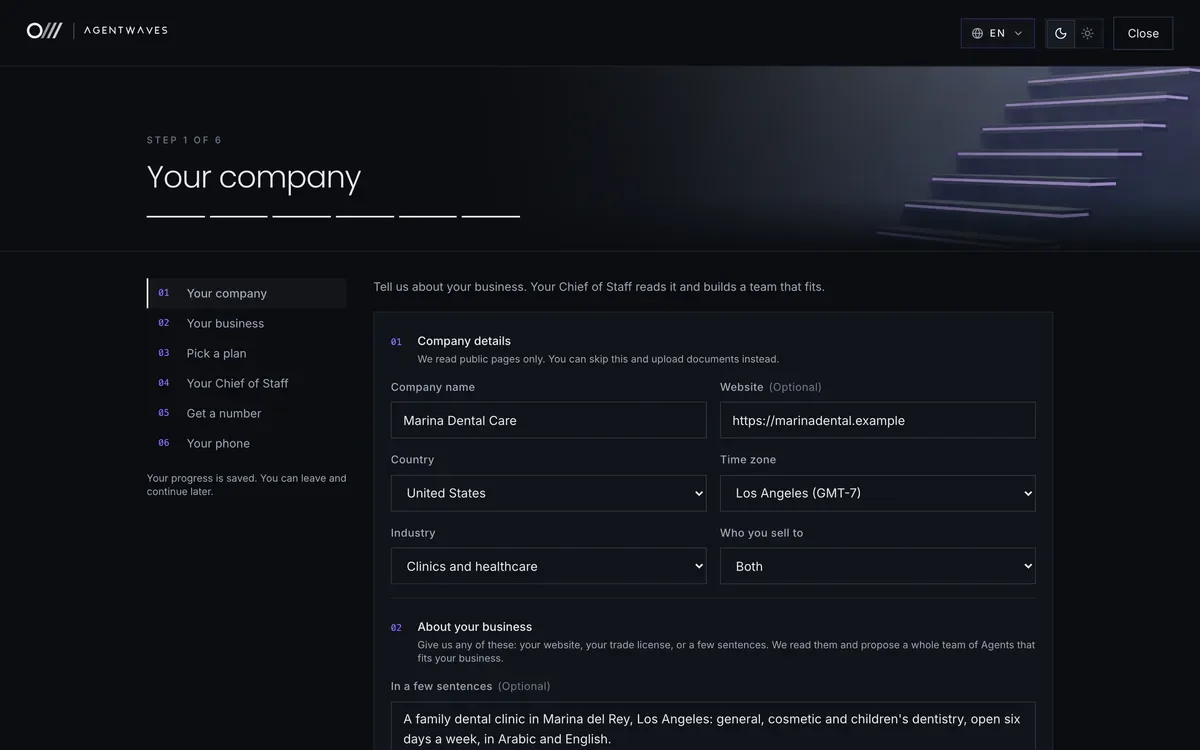
Your website or a few sentences about what you do. We read it into a short business profile you can correct in the next step.
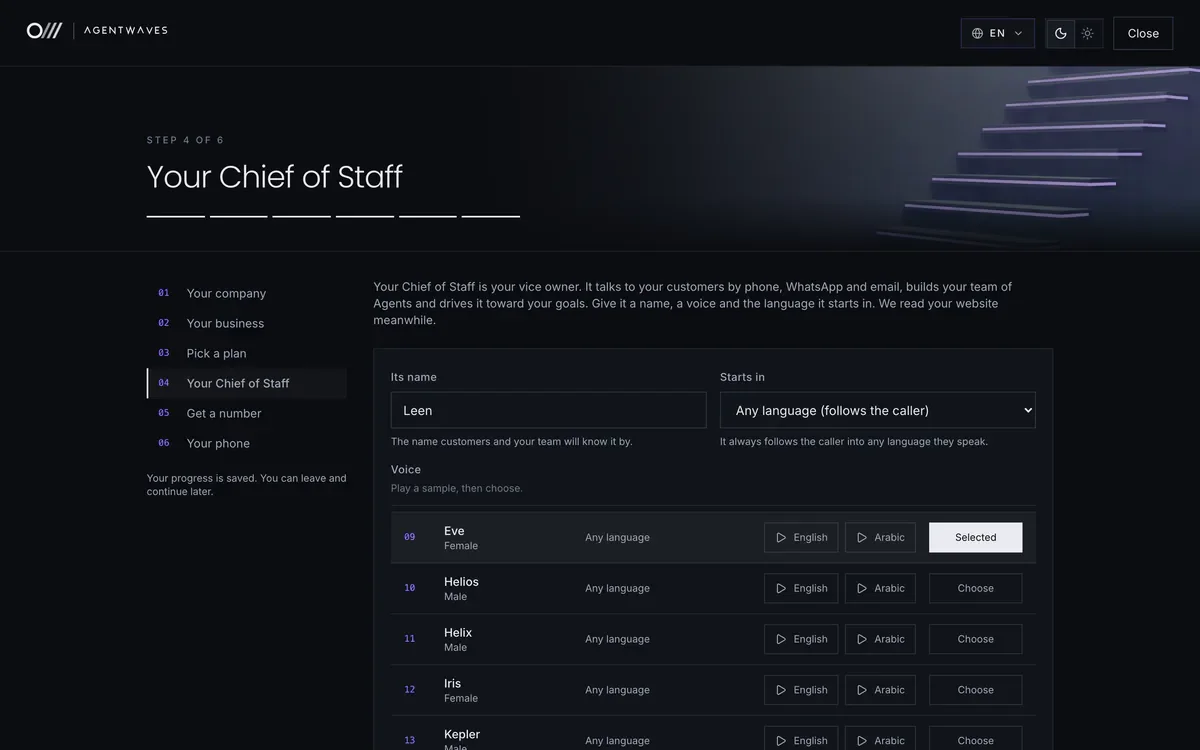
Pick the plan that fits and pay to start. Then your Chief of Staff gets its name, voice and greeting, written for your business. It is the only Agent at first and creates the others when real work needs them.
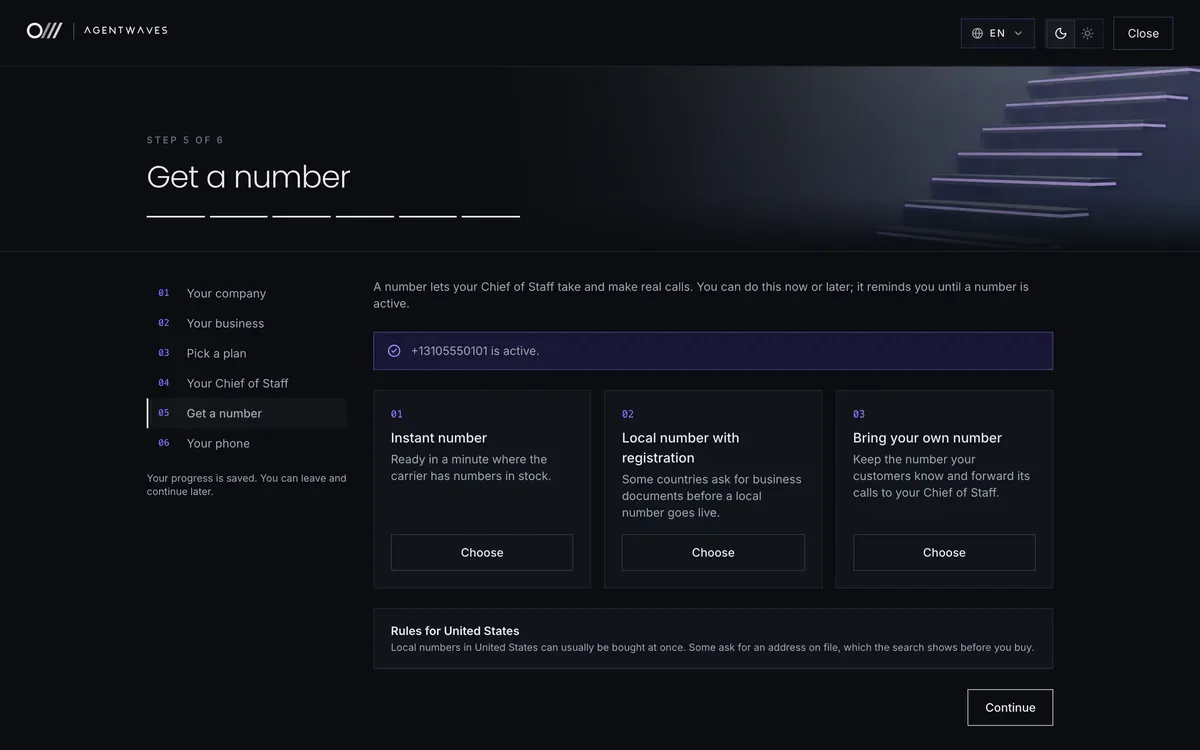
Take an instant number, a local number in your country, or bring your own. Skip it and your Chief of Staff starts on WhatsApp and email, and you add a number later.
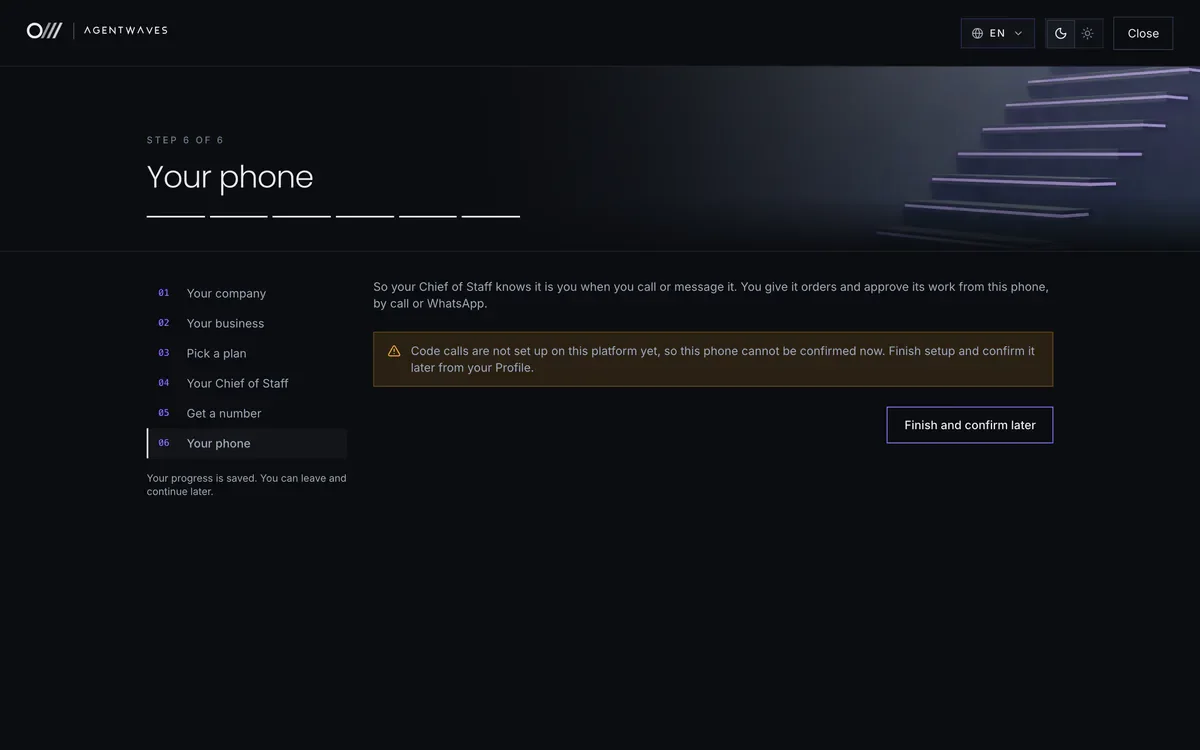
Add your own mobile number so your Chief of Staff knows you on calls and WhatsApp and takes your orders and approvals there. Then it is live and answers its first customer.
Sample workspace. People, numbers and figures are fictional.
Trust and control
Your Agents speak for your business, so control matters more than features. Every one of these is in the product today.

We do not claim certifications we do not hold. Ask us for our current security and data handling documentation.
Every new Agent starts at Approve: it prepares the call, message or invoice and waits for your tap. Promote a role to Act and it works alone, then reports.
Edits stay in a draft until you publish. Calls only ever use a published version, and you can roll back in one click.
Agents use tools that need no account only after your Chief of Staff approves them. Tools that need an account stay with you under Integrations.
On the owner line, business details stay locked until your PIN is said. Wrong guesses are limited, and you are told.
Calls and messages only go to people with recorded consent. Do not call is checked again before every single attempt.
Callers hear a notice before anything is recorded, and you choose how long call data is kept.
Questions
Your Chief of Staff introduces itself by the name you give it and never pretends to be a person on your team. When it does not know, it says so, takes a message, opens a case or brings you in on the owner line. It never guesses prices, availability or policies.
Any language your customers speak, from English, Spanish and Arabic to Hindi, French and Chinese. It picks up the customer's language on its own and switches mid-call when they do. Try your own phrases and accent before you go live.
Choose a plan during setup and you are talking to your Chief of Staff in your browser within minutes. An instant number works straight away, and a local number in some countries needs a short registration. Each plan includes call minutes and Agents, and extra minutes, numbers and Agents come from a wallet you top up, so you are never charged more than you have added.
During setup you accept a structure of departments and roles proposed for your industry. Your Chief of Staff creates Agents into those roles when real work needs them, names them, gives them tools and skills, and can put them to sleep and wake them. It tells you each time and lists every new Agent in the daily report.
Only people in your workspace see your Agents, calls and documents, and only what their role allows. You choose how long call data is kept, and every change is recorded in the audit log.
Cancel in one click on the Billing page. Your plan keeps working until the end of the period you paid for, nothing more is charged, and your wallet balance stays yours. If you do not cancel, it renews automatically each month.
Yes to both. Write to us from Talk to a person in the app, or ask your Chief of Staff on the owner line, and a person at AgentWaves replies within one working day. Every live number is checked around the clock, and if one stops reaching its Agent you get a notification and an email straight away.

Start
Tell us about your business and we propose a team for it: departments, roles and who reports to whom. Choose a plan, and in a few minutes you are talking to your Chief of Staff in your browser.
Get startedYour Chief of Staff, ready to test in your browser in minutes


